
A failed install and a transfer spike need request evidence. Registry activity combines daily totals with individual package requests.
The traffic view was released on 29 October 2026. This article describes its use and limits.
Compare daily totals
Open Activity. Select a date shortcut or set a date range in the filters. The overview shows transfers, downloads, uploads and bytes. The chart groups records by UTC day. The daily values table contains the same counts and bytes.
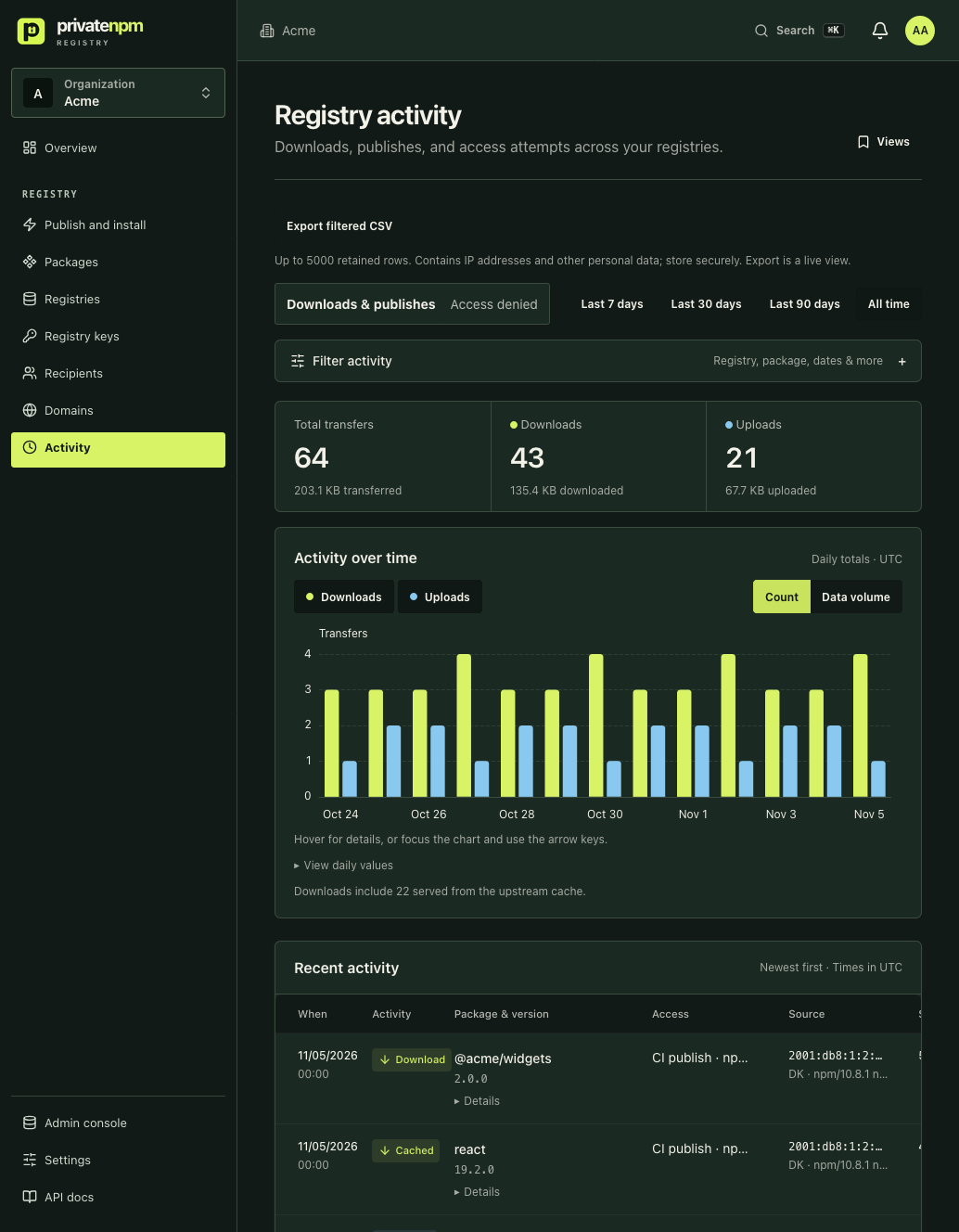
A CI job can download the same version many times. A local cache can satisfy an install without a registry request. These counts describe delivery requests. They cannot count people or completed installs.
Find the relevant requests
Filter by registry, format, package, version, credential or recipient. Additional filters include member, country, client, CI and IP address. Records appear with the newest first.
A separate download key for each recipient improves attribution. Associate the key with the recipient before use. A saved view preserves filters for later review.
Investigate denied requests
- Open Access denied.
- Filter by package and request time.
- Review the denial reason and credential details.
- Compare the hostname, key expiry and package grants with the client configuration.
Individual transfers require transfer-read permission. Recipient management and other administrative views have separate permission checks.
Verify attribution with a recipient
- Create a synthetic test recipient.
- Issue a download key for one package.
- Configure the key in a separate client project.
- Install an exact version with a fresh cache.
- Filter activity by that package and recipient.
Aggregate counters can trail individual transfer records. Allow time for usage aggregation before you compare totals. Your plan and retention settings limit available history.
The download activity guide explains attribution and API summaries on eligible plans.